Shop smarter
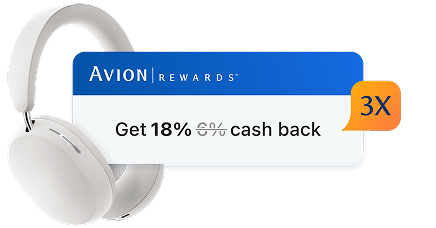
When you’re shopping on a website, you’ll know right away when cash back deals are available. Then, you load the offer, make the purchase and get the savings!2
When you shop with Safari, we’ll find cash back deals and discounts from over 2,000 brands1.
How to add ShopPlus


Shop smarter
When you’re shopping on a website, you’ll know right away when cash back deals are available. Then, you load the offer, make the purchase and get the savings!2
Search with confidence
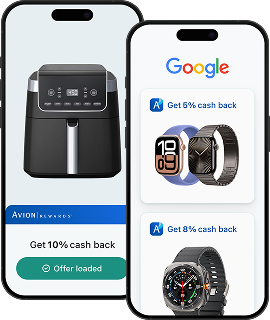
Shop and search for products, and Avion Rewards ShopPlus will show you deals, right in your results.
Shop smarter
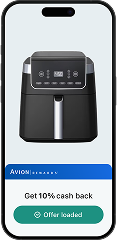
When you’re shopping on a website, you’ll know right away when cash back deals are available. Then, you load the offer, make the purchase and get the savings!2
Search with confidence
Shop and search for products, and Avion Rewards ShopPlus will show you deals, right in your results.
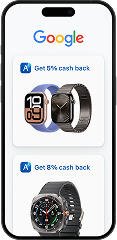

On mobile iOS, ShopPlus comes with the free Avion Rewards app. Make sure you download it and sign in.
 1
1
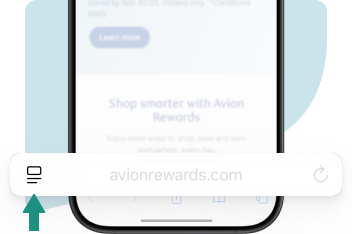
Open Safari, tap the  icon
icon

 2
2
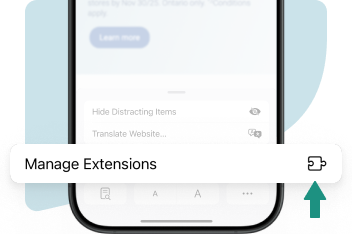
Tap Manage Extensions
 3
3
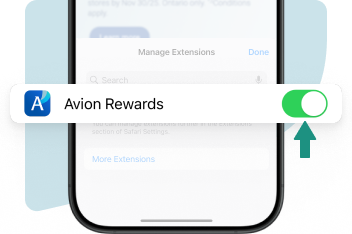
Enable Avion Rewards
 4
4
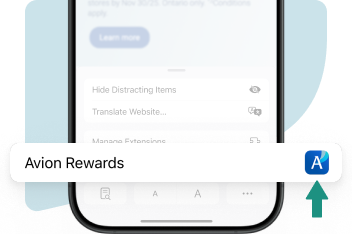
Tap Avion Rewards
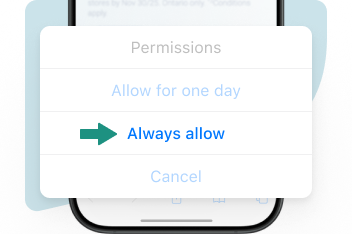 5
5
Tap Always allow

Your data is protected
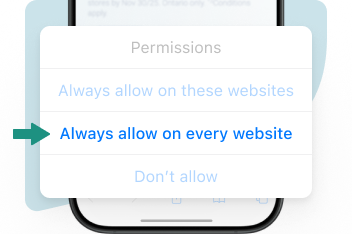 6
6
Tap Always allow on every website
Your data is protected